
Use photos as creative reference
A photo can guide pose, outfit, lighting, or facial direction while still leaving room for anime stylization and original character design.
AI Anime
Transform a photo reference into anime character inspiration, then refine the result with Elser AI's anime generator.
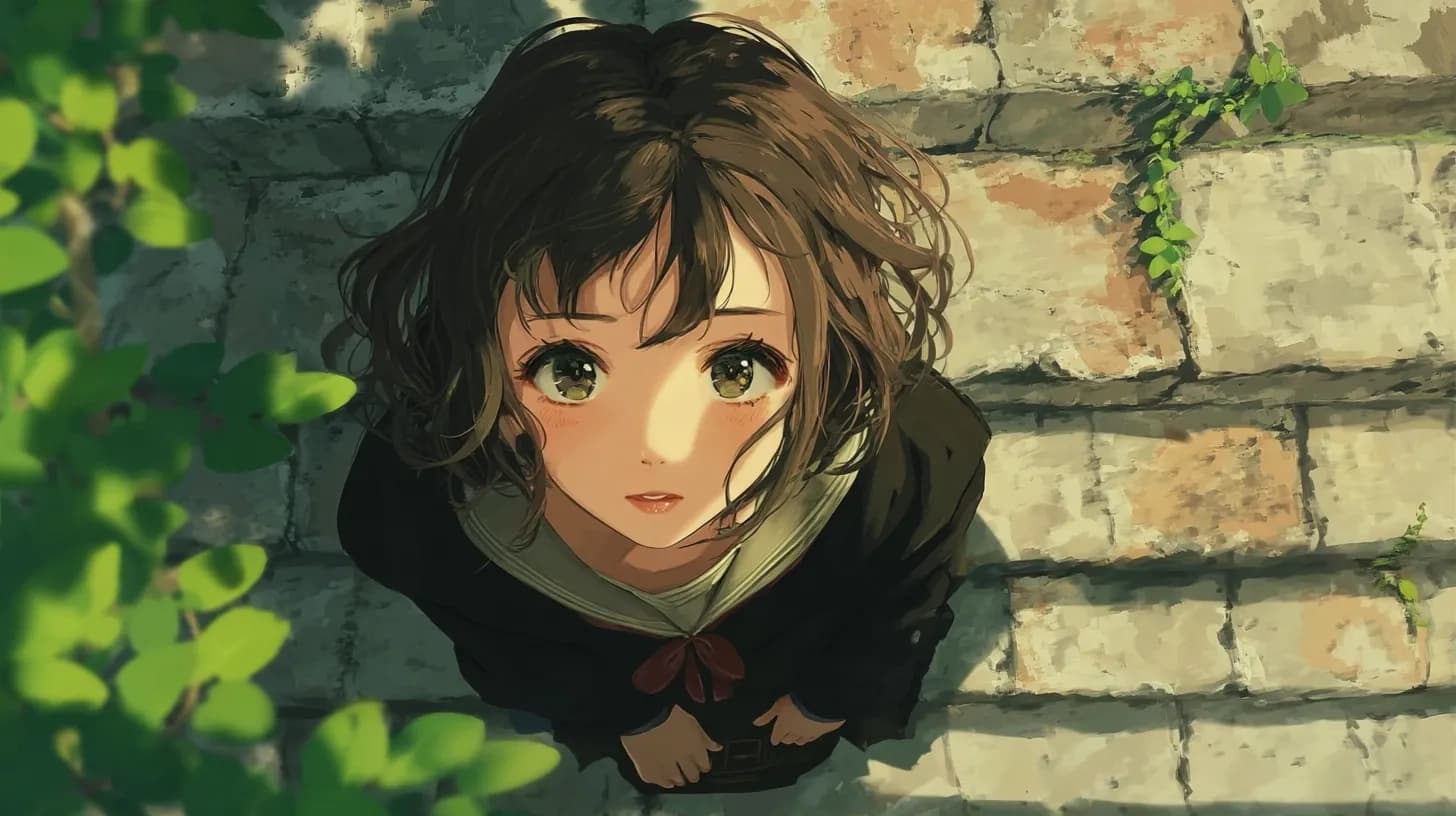
AI Anime
Photo to Anime
Describe how a photo reference should become anime-inspired, then continue in the anime generator to refine the result.
Starter dashboard
Best for portrait references, cosplay ideas, pet avatars, outfit inspiration, and stylized profile art.
Reference-to-anime restyling
This page is for portrait-led and outfit-led restyles where a photo should influence the final anime result without turning the output into a rigid copy.
A photo can guide pose, outfit, lighting, or facial direction while still leaving room for anime stylization and original character design.
After the first anime conversion, use prompts to adjust mood, art style, clothing, and character identity.
The goal is not direct duplication. It is deciding what the photo contributes and what the anime version should exaggerate or transform.
Use a real face or expression as the emotional anchor while translating the result into a more stylized anime direction.
Carry over wardrobe logic, stance, or composition from the photo so the anime result keeps the visual strengths of the source.
Push the mood, art style, and character identity further than a surface-level conversion so the result feels creative, not automatic.
Creator use cases
These use cases fit projects where the visual source material already matters before the anime styling begins.
Turn a costume test or fashion shot into an anime-facing design while keeping the outfit identity and attitude intact.
Use portraits as the base for anime avatars, paired character art, or social-ready reinterpretations of real people.
Start from travel photos, street shots, or atmospheric portraits when the scene mood should shape the anime concept as much as the person does.
The key is being clear about what the photo is for before the stylization begins.
Step 1
Decide whether the photo is mainly about the face, the outfit, the pose, or the atmosphere so the prompt can respect the right details.
Step 2
Add style direction, palette, and character-language cues so the result feels like an anime design with intention, not a thin photo filter.
Step 3
Once the restyle clicks, move into the fuller anime generator to adjust identity, mood, and finish quality with more control.
Photo-led workflows are useful when the starting point already has a gesture, outfit, or emotional realism worth keeping.
A reference photo gives the design a stable body language or wardrobe logic that can survive stylization.
Profile images, cosplay reinterpretations, and persona concepts often benefit from starting with a real-world source.
The best prompts preserve the useful anchor while pushing the final result into a fresher anime-facing direction.
The value comes from controlled reinterpretation rather than generic stylization alone.
Kelsey Moon
Cosplay creator
"It is useful when I want the outfit and attitude from a photo to survive the anime restyle without feeling traced."
Evan Saito
Profile avatar designer
"I like it for portraits because the page pushes the photo toward a stronger anime identity."
Mira Dalton
Mood-board artist
"The route works best when the lighting or location from the real photo is part of the idea."
Lani Brooks
Couple portrait stylist
"I use it for paired avatars because the expressions stay human while the final art feels more designed."
Jae Patel
Fashion reference illustrator
"It helps me keep wardrobe logic from the original shot while changing the tone completely."
Sora Milton
Travel photo collector
"The page is perfect when a candid background mood should shape the anime version, not just the face."
Camille Park
Social avatar maker
"I come here when someone wants an anime self-portrait that still feels like them instead of a filter preset."
Devon Hayes
Cosplay photo editor
"It is strong for costume-led restyles because the reference contributes more than just likeness."
Priya Lawson
Creator portrait designer
"I like the balance between preservation and interpretation. The photo stays useful without dictating everything."
Yuna Moss
Character inspiration curator
"This route makes real-world references feel like concept inputs, not limitations."
Connor Bell
Outfit concept refiner
"I use it when the pose and clothes already tell the story but the final art needs a stylized world."
Nia Summers
Lifestyle-to-anime experimenter
"It is the best page for turning ordinary photos into deliberate anime scenes instead of novelty conversions."
These questions cover photo choice, how much identity to preserve, and what to do after the first good conversion appears.
Yes. Portraits work well when you want the expression or face energy to guide the anime result, especially for avatars or persona concepts.
Usually no. The strongest results preserve the useful anchors while letting the style, mood, and character identity shift into something more deliberate.
Yes. Outfit-led references are often excellent because they carry visual logic the anime restyle can build on without overfocusing on facial likeness.
Open the AI Anime Generator and refine the best restyle with more targeted prompt control over mood, identity, and finish quality.
Related workflows
Once the reference-led concept works, the surrounding pages help you deepen the OC logic, improve the still art, or animate the result.
AI Comic Generator
Turn character ideas into comic-style scenes, panel beats, and webtoon-ready story moments using Elser AI's comic generation workflow.
AI Manga Generator
Create manga-style character scenes, black-and-white story beats, and anime OC concepts with Elser AI's comic workflow.
AI Character Generator
Create original anime characters, test silhouettes and roles, and refine identity before continuing into Elser AI's OC Maker workflow.
AI Image Generator
Generate anime character concepts, portraits, and scene ideas with a workflow built for original character creation.
Take the best portrait or outfit conversion into the full workflow and refine the final anime identity with more control.