
Write prompts that stay focused
Good text-to-image prompts describe the character role, visual style, mood, pose, and a few defining details without overloading the model.
AI Image
Turn a written character prompt into anime image concepts, then continue in Elser AI's anime generator for polished visual exploration.
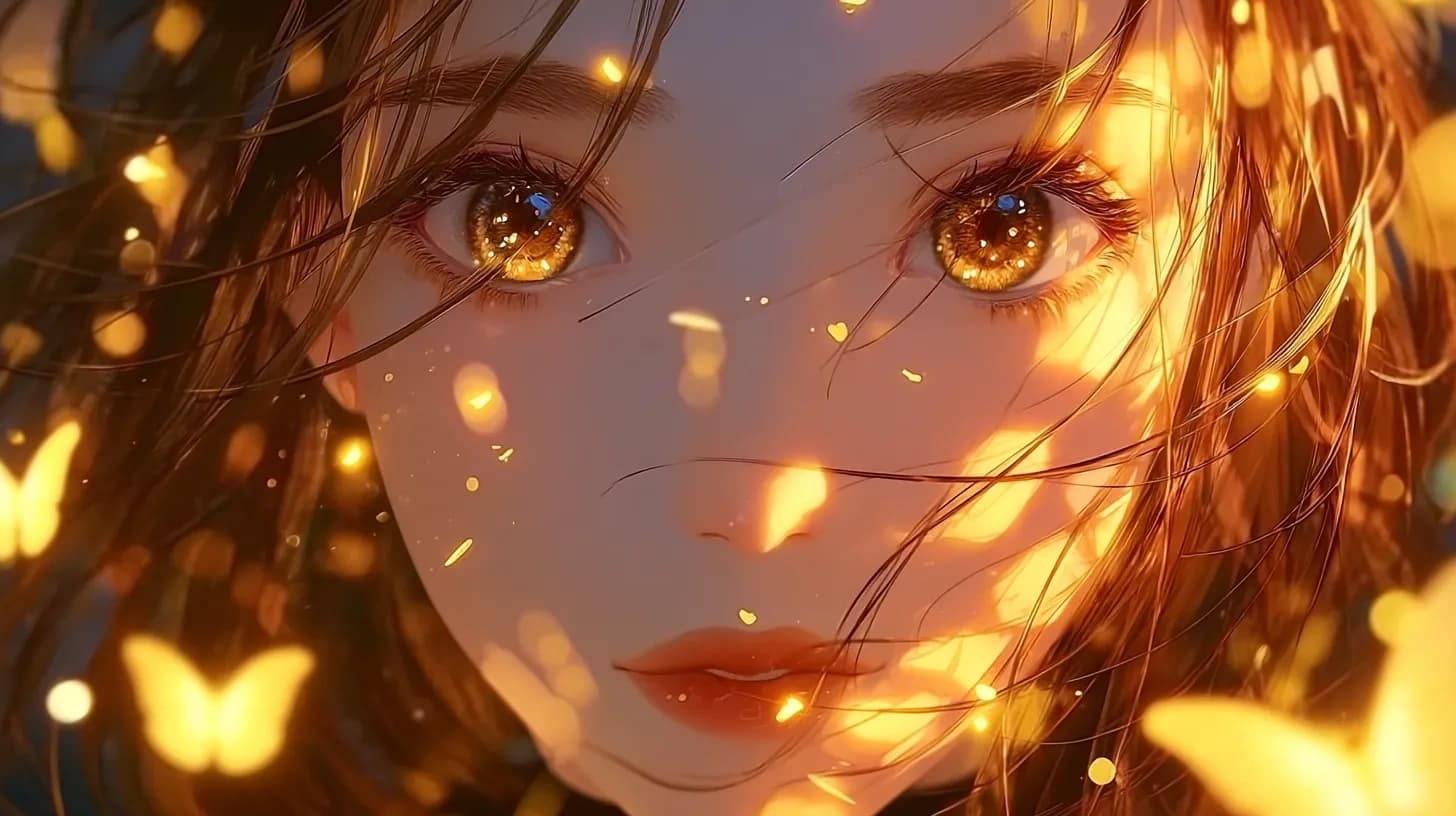
AI Image
Text to Image
Write a focused anime image prompt, compare starter directions, and open the anime generator for the full image workflow.
Starter dashboard
Best for text-led anime portraits, character concepts, scene starters, and style tests.
Prompt-led image creation
This page is for blank-canvas ideation: you know the mood, the character, or the scene, but you need language that can become a clear anime image direction.
Good text-to-image prompts describe the character role, visual style, mood, pose, and a few defining details without overloading the model.
Use each generation to compare silhouette, palette, expression, and story feel. Keep the strongest direction and refine from there.
It is strongest when you need flexibility, prompt range, and a clean way to compare concept directions from pure language.
Build a scene or portrait from role, mood, action, and style without relying on a reference image to carry the concept.
Use subject, action, framing, and atmosphere in the right order so the model understands the image goal before the details pile up.
Run multiple prompt angles to see whether the character reads better as a poster, portrait, full-body concept, or mood scene.
Creator use cases
These use cases fit creators who want to ideate directly from a written concept before references exist.
Generate a strong character key visual when you want a single image that communicates tone, identity, and presence.
Test how a character should read at smaller sizes for videos, stories, or campaign graphics.
Place the character inside a location and mood so the prompt becomes more cinematic than a plain profile card.
Prompt quality improves when the sentence has hierarchy instead of throwing every detail in at once.
Step 1
Name the character, what they are doing, and the emotional tone before you add style modifiers or background details.
Step 2
Layer the pose, clothing, palette, framing, and atmosphere according to what the final image must communicate first.
Step 3
Once you see the strongest composition or mood direction, move into the full anime generator instead of endlessly bloating the prompt.
Text-led ideation is useful because it forces the image to answer the concept rather than mimic an existing reference.
You can jump between genres, compositions, and emotional tones without first hunting for reference material that matches the idea.
If the image stays vague after a clean prompt, the issue is often the brief itself, which is easier to fix before polishing.
Strong text-to-image drafts can become the source for image-to-image edits, comic scenes, or animation tests without losing the original intent.
The main win is breadth: you can test directions quickly before you commit to a single look.
Dani Foster
Thumbnail artist
"I open this page when I have a hook line but no visual yet. It turns a sentence into a composition faster than my mood board does."
Ryo Maddox
Prompt workflow consultant
"It rewards prompt hierarchy. Once the subject and action are clear, the style details stop fighting each other."
Kei Laurent
Indie cover designer
"I use it to test whether an idea wants poster framing, portrait framing, or a wider scene before I polish anything."
Ava Min
Novel jacket planner
"The page is useful when I know the emotional promise of the art but have not found the image that carries it yet."
Joel Hart
Event banner designer
"I like it for fast concept branching because I can try three different reads without hunting for reference first."
Sumi Calder
Mood-board lead
"It makes me write what the viewer should notice first. That single constraint usually fixes muddy prompts."
Owen Lee
Merch concept artist
"For character drops, it helps me compare clean hero art against busier scene versions before print planning."
Bella Ortiz
Social campaign designer
"The page is strong when marketing copy exists before art does. I can convert messaging into visuals without guessing."
Nico Flynn
Web serial illustrator
"It helps me judge whether a scene idea is actually visual or just emotionally interesting on paper."
Mira Sato
Poster experimenter
"I use it when I want a blank-canvas prompt that still feels directed, not like a bag of adjectives."
Elliot Park
Stream overlay artist
"It is useful for finding the one pose or camera crop that will still read at thumbnail size."
Kora James
Art prompt librarian
"The structure here keeps my prompts short enough to stay readable and specific enough to generate distinct looks."
These answers focus on prompt specificity, blank-canvas ideation, and when to move into a different image workflow.
Be specific about the subject, the action, and the image priority. You do not need every detail up front, but you do need a clear visual objective.
Yes. Text-to-image is useful for both close portraits and fuller character views as long as the prompt names the framing and what should stay visible.
Use image-to-image when you already have a pose, a sketch, a photo, or a composition you want the final result to inherit.
Open the AI Anime Generator to refine the strongest prompt direction into a cleaner, more controlled final image.
Related workflows
Once the text prompt finds the right direction, the nearby image and anime routes help you refine or restyle it with more control.
AI Image Generator
Generate anime character concepts, portraits, and scene ideas with a workflow built for original character creation.
Image to Image
Use a reference image to guide anime character styling, visual consistency, and creative reinterpretation in Elser AI.
AI Character Generator
Create original anime characters, test silhouettes and roles, and refine identity before continuing into Elser AI's OC Maker workflow.
AI Comic Generator
Turn character ideas into comic-style scenes, panel beats, and webtoon-ready story moments using Elser AI's comic generation workflow.
Take the best text-led concept into the generator and refine the composition, style, and character read with more control.